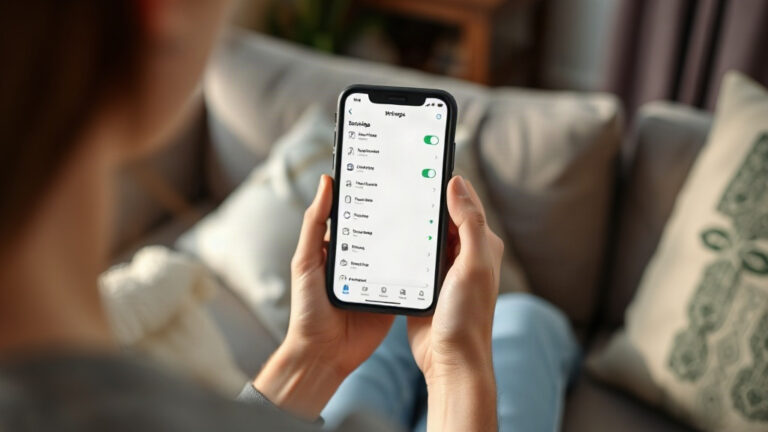
How to restore photos from the recycle bin
If the photo disappeared recently, the first place to look is in your phone's trash folder.
Before installing anything
The photo app that comes pre-installed on your phone usually has a section for deleted items. It holds recent deletions for a few weeks and then restores everything without any hassle.
Starting there avoids installing programs, saves space, and eliminates the risk of writing new data about what you want to recover.
Where to play
The steps below use Google Photos, which comes pre-installed on most Android devices.
Many phones have more than one Google account, and each one has its own trash bin. Tap on the profile picture and see which one is active.

Tap on Library or Collections, then tap on Trash. Next to each item, it shows how many days are left until it is permanently deleted.

Keep your finger on the first photo and select the others.

They return to the same album, with the date and resolution intact.

If your phone is slow or out of storage space, go to the Google Photos website with the same account, click on Trash in the side menu, select each photo by the circle in the corner, and click Restore.
Empty trash can
Switch accounts in the app and check the other account's trash bin. They are separate.
If backup has never been enabled and the recycle bin is empty, try searching the device's memory, which is slower and doesn't guarantee results.
Other places to look
Sometimes the photo wasn't deleted, it's just in a different location
- The Archive folder, which hides unintentionally archived photos.
- The folders for messaging apps and social networks.
- The gallery and the trash bin from the cell phone manufacturer.
- Google Photos searches for words that describe the image.

1. Google Photos
Google Play
It combines recycle bin, automatic backup, and smart search. For recent deletions, it usually resolves the issue in just a few taps.
Store deleted files for up to 60 days.
Download on Google Play
2. Files by Google
Google Play
Reveals folders created by other applications. Useful when a photo has disappeared from the gallery but is still saved.
Download on Google Play
3. Dumpster
Google Play
Leave a trash can on your phone so that the next time you delete something, you can undo it.
No root required.
Download on Google PlayFrequently Asked Questions
Is this using up my data plan?
Only if the photo is stored in the cloud. If it's still on the device, it doesn't count.
Until when can I restore it?
Up to 60 days for photos with backup. Without backup, the timeframe is usually 30 days.
I use two Google accounts. What should I do?
Open each trash can. They are separate.
Do you need internet?
No, not if the photos are still on the phone.
Can I restore multiple ones at once?
Yes, you can. Hold down a photo to start the selection and select the others.